Why I build custom WordPress plugins with AI
Most WordPress sites do not need another generic plugin. They need one small tool that solves one real problem. For resort sites, that might be a weather widget, a pass countdown, a lead capture flow, or a content automation helper. AI is perfect for getting the boring plumbing out of the way, but the real value comes from shaping the plugin around the business problem first.

Start with the problem, then let AI scaffold the code.
The tools I actually use
- Claude or ChatGPT, for scaffolding and code review.
- VS Code, for editing and keeping the project sane.
- Local WordPress, so I can test without risking the live site.
- Git, so every change is traceable and reversible.
- WP-CLI, for quick resets, data loading, and admin tasks.
- Query Monitor and PHP_CodeSniffer, for debugging and code quality.
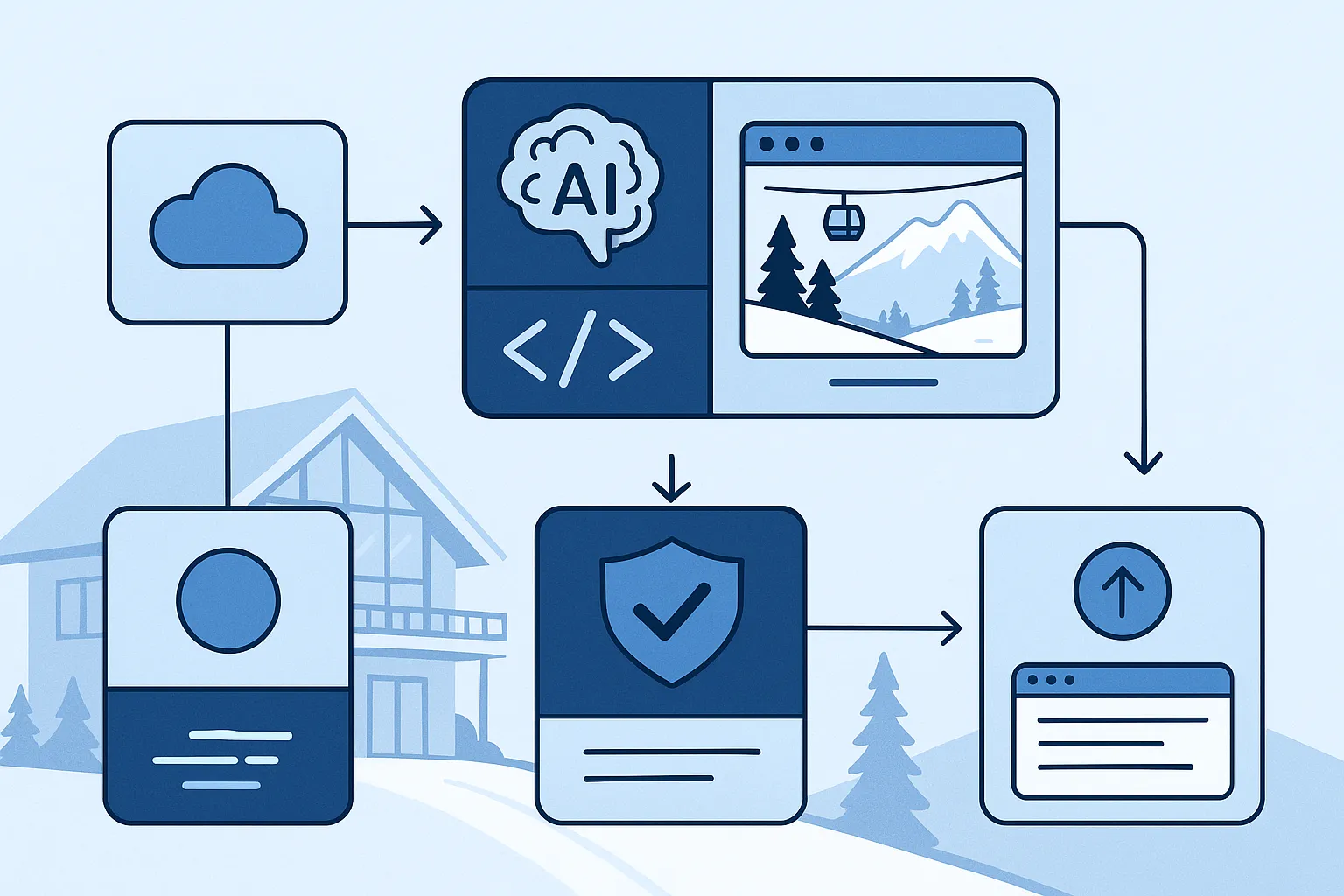
I like to treat the plugin like a tiny product, not a one-off script.
My 6-step workflow
- Define the job. One plugin, one outcome.
- Ask AI for the scaffold. File structure, hooks, settings page, shortcode, widget, or block.
- Review the files line by line. I look for security, sanitization, and messy assumptions.
- Add the admin UI. Settings, toggles, and any content controls the team needs.
- Test on staging. I click through the real use case, not just the happy path.
- Ship with logging and rollback. If something breaks, I want a fast way out.
A tiny plugin skeleton
This is the kind of structure I start with. AI can draft it in seconds, but I still check every line.
<?php
/**
 * Plugin Name: Resort Quick Weather
 * Description: Adds a fast weather and conditions block to a WordPress site.
 * Version: 1.0.0
 */

if (!defined('ABSPATH')) {
    exit;
}

function resort_quick_weather_shortcode() {
    return '<div class="resort-weather-widget">Weather goes here.</div>';
}
add_shortcode('resort_weather', 'resort_quick_weather_shortcode');
What I would build for a ski resort site
- Conditions widget, for snow, wind, temperature, and open terrain.
- Pass promotion alert, for pricing changes or seasonal deadlines.
- Lead capture helper, for lesson signups, rentals, and newsletter signups.
- Content automation helper, to draft conditions posts from fresh snow data.
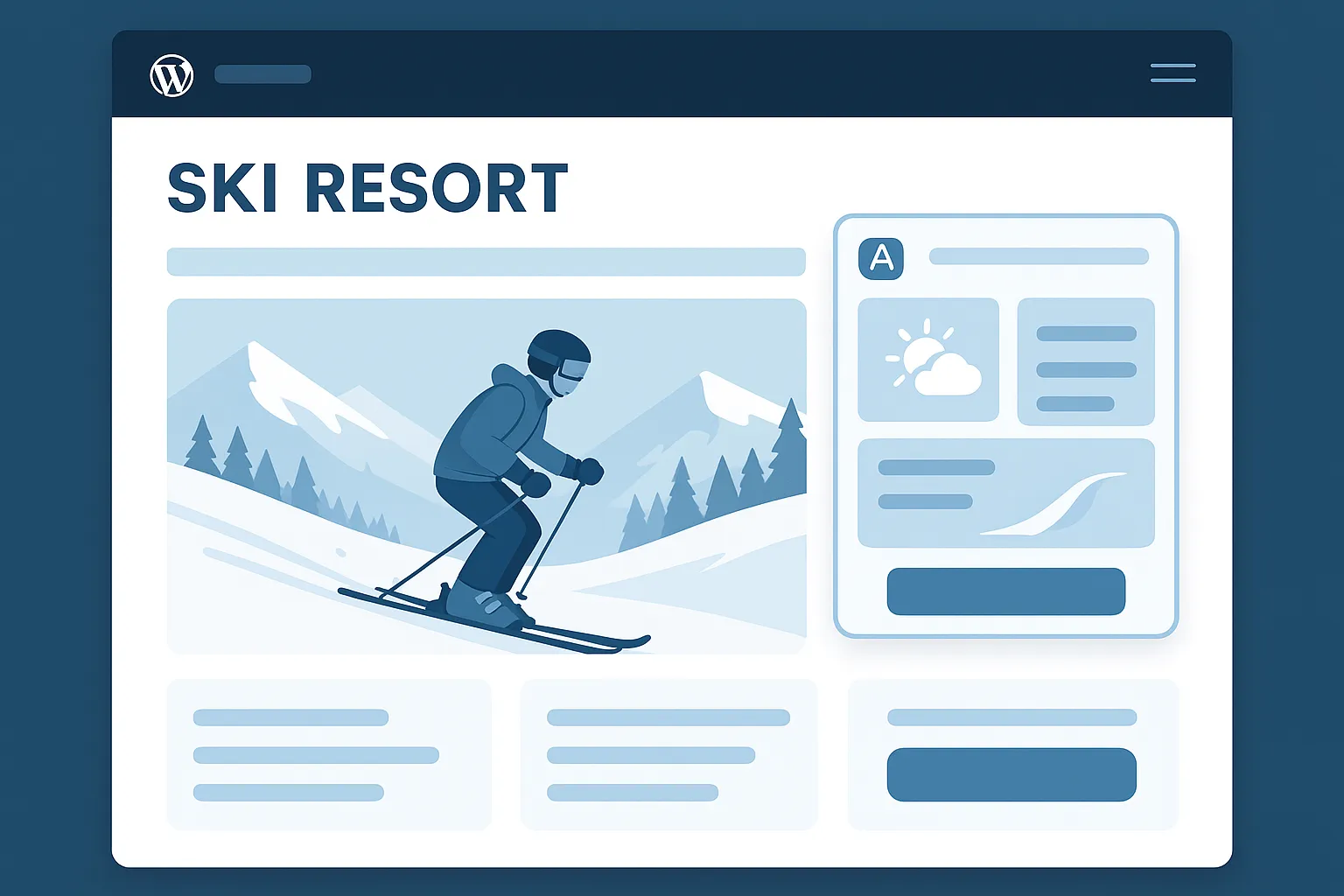
A useful plugin should support the real website flow, not just look clever.
What not to let AI do alone
- Do not skip sanitization or escaping.
- Do not trust AI to understand your database blindly.
- Do not ship without testing the plugin on a staging site.
- Do not forget nonces, capability checks, or safe defaults.
Deployment checklist
- Clone the plugin into a clean local repo.
- Run it on a local or staging WordPress install.
- Check the admin page, shortcode, block, or widget.
- Verify categories, tags, and any connected API calls.
- Zip the plugin or deploy through your normal release path.
- Monitor the live site for errors and log output.
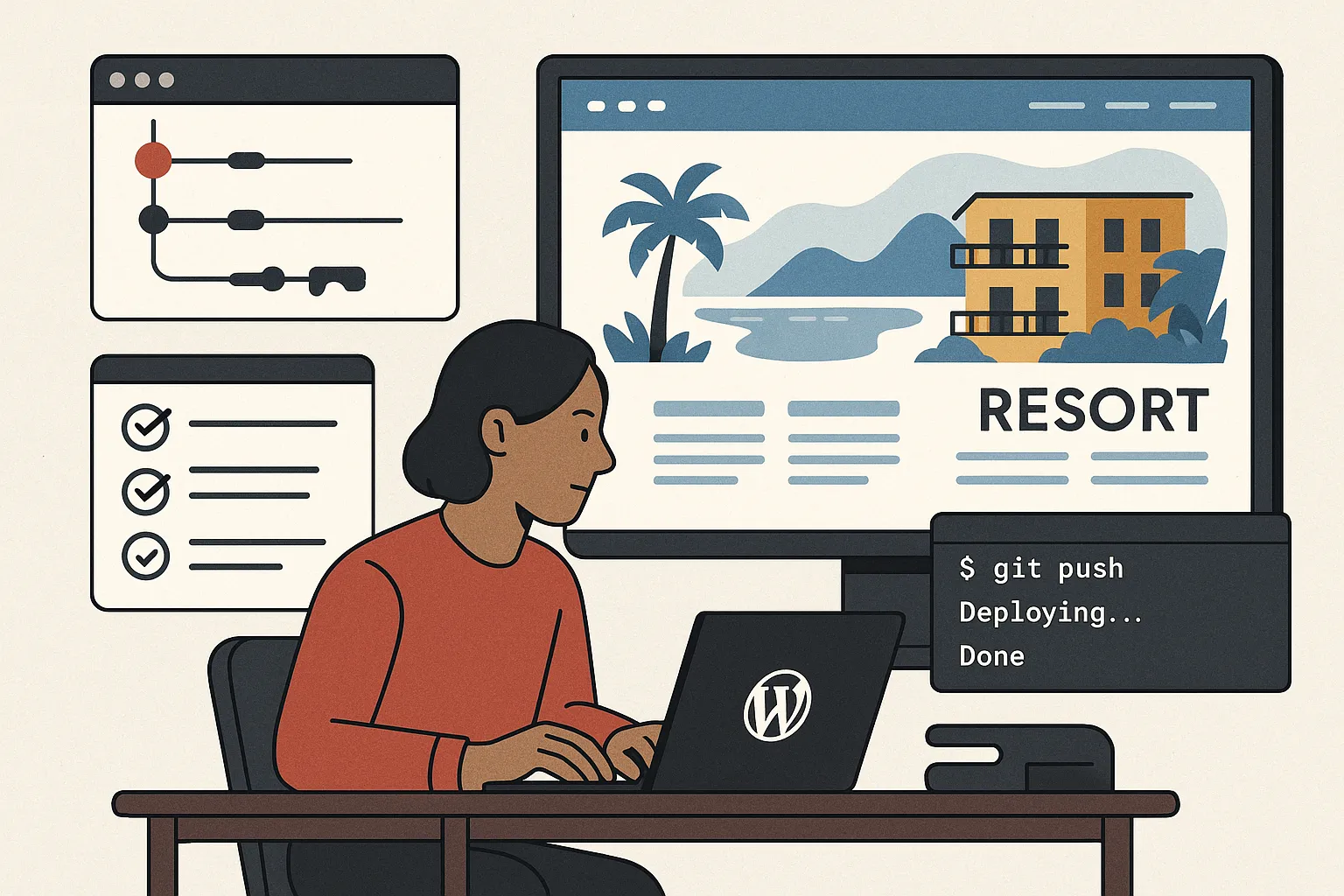
Once the plugin is tested, deployment should be boring.
Final take
AI is not the plugin. AI is the assistant that helps you get from idea to working code faster. The real win is combining AI with a tight workflow, clean testing, and a specific business problem. If you do that, you can build small WordPress tools that save time, improve conversions, and make a resort site feel a lot smarter.