GoPro Labs is free custom firmware that unlocks features GoPro never put in the main app. Most people don’t know it exists. For ski filmmakers, a handful of these hidden settings are genuinely useful — and installation takes about 60 seconds.
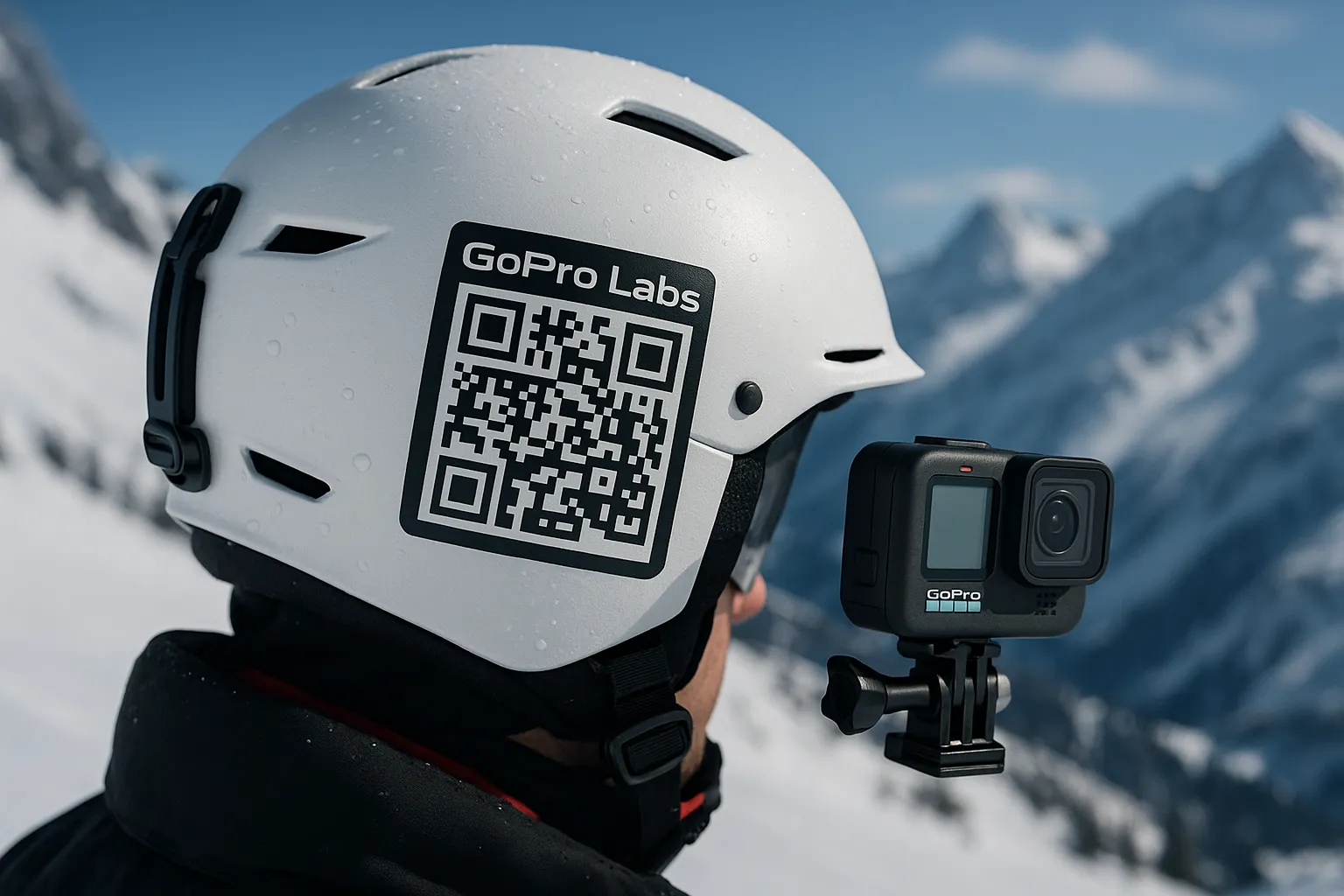
GoPro Labs: the free firmware upgrade you didn’t know about.
What GoPro Labs Actually Is
Labs is an experimental firmware branch maintained by GoPro engineers — not third-party hackers. It’s fully supported, safe to install, and you can revert to standard firmware anytime. It works on Hero 9 and newer, including the Hero 13 and GoPro Mission ONE review. Think of it as a beta features program you have to opt into manually.
How to Install It (60 Seconds)
Go to community.gopro.com/labs, download the firmware for your camera model, copy it to your SD card root folder, insert the card, and power on the camera. It updates automatically. You’re done. The camera looks and works identically to before — Labs settings are accessed via QR codes you scan with the camera.
The 5 Settings Worth Using on Snow
These are the Labs features that change how you shoot on the GoPro mounting guide for every ski angleain. Scan the QR codes from community.gopro.com/labs on your phone, point your GoPro at them, and they activate instantly.
| Feature | What It Does | Best For |
|---|---|---|
| Hindsight (extended) | Buffers up to 30s before you hit record | Catching unexpected lines |
| Max Duration | Auto-stops recording after X seconds | Saving battery on long days |
| Low Battery Alert | Beeps loud at 20% battery | Never getting surprised mid-run |
| Startup Delay | Delays camera boot by set time | Remote drop-in setups |
| EV Compensation Boost | Expands EV adjustment to ±4 stops | Tricky snow lighting conditions |
Scan QR codes at gopro.com/labs to activate features instantly.
Where to Get QR Codes
All official Labs QR codes live at community.gopro.com/labs — bookmark it on your phone. There’s also a QR code generator that lets you combine multiple settings into one code. Screenshot your most-used combo codes into a phone album called “GoPro Labs” so you can scan them chairlift-side without cell service.
Install it once, pick two or three features that match your shooting style, and forget about it. Labs is one of those things you didn’t know you needed until you can’t live without it.
If you’re still comparing platforms, it’s worth knowing the Insta360 Ace Pro 2 handles advanced controls through its app rather than sideloaded firmware — a simpler setup, though Labs gives GoPro a meaningful edge for power users who want granular control.